
Getting Started
Learn how to set up your account, explore main features, and navigate MTN Support.
Getting Started with MTN Support
This guide will walk you through setting up your user profile, mapping your administrative roles, and exploring MTN Support.
1. Account Configuration
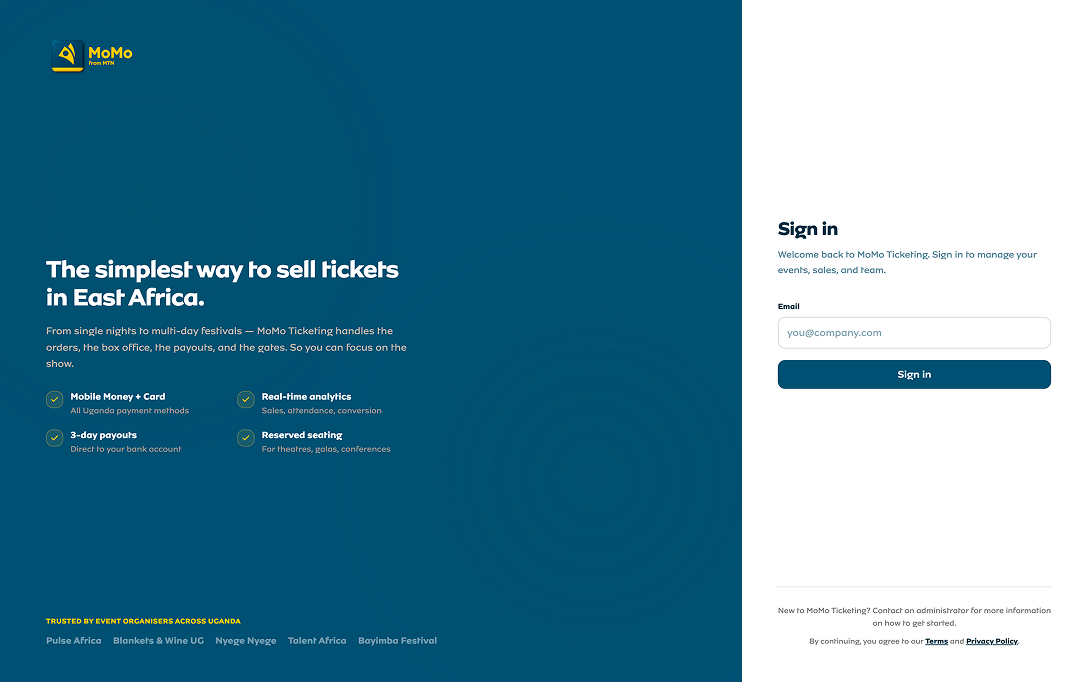
To log in, use your corporate SSO or secure username. When logging in for the first time, you will be prompted to verify your mapped permissions.
- Navigate to the login dashboard and enter your credentials.
- Verify that your assigned user groups and permissions are correct.
- Explore the sidebar menu to view audit logs or approvals panels.
2. Understanding Issue Approvals
MTN Support operates on structured role permissions. Depending on your hierarchy level, you can approve issue requests or request ownership transfer directly from the UI panels.
3. Audit Logging
All administrative operations are permanently logged inside the system. You can browse actions, filter logs, and expand details using the interactive details drawer.
Video Tutorial — Watch Now